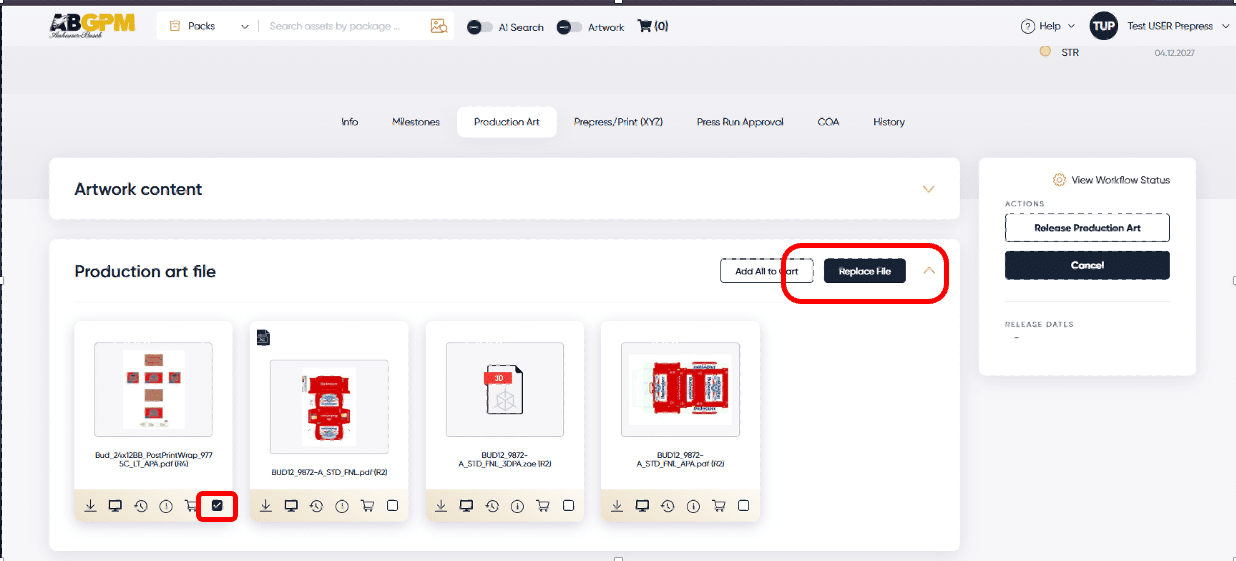
To replace a file in Production Art (Labatt only), Prepress, or CGI, follow the steps below:
Select the white check box at the lower right of the file.
Select Replace File
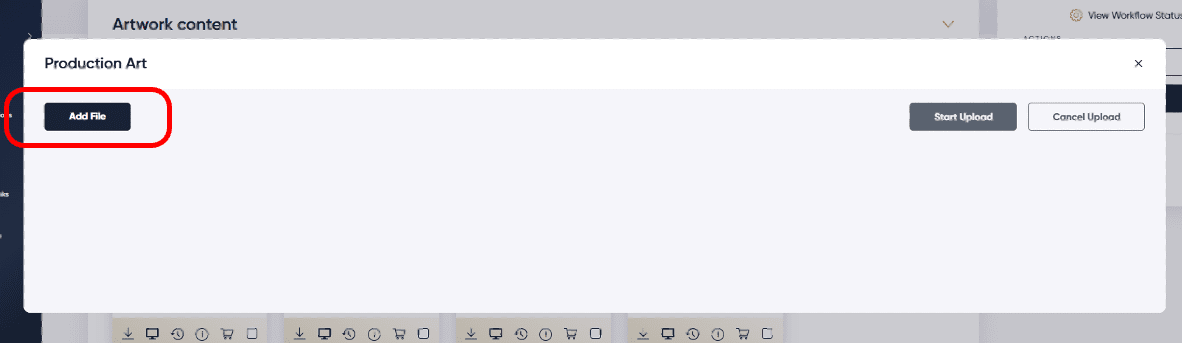
Select a new file or an updated file that needs to be used as a replacement.
Select the correct file type if not defaulted.
Click Start Upload
Notes: When a file is replaced, as soon as the replacement file fully renders, it will start the approval task all over with the first team needing to vote again. The Replace File button is only visible while the approval task is active. If a file has been rejected, the Replace File button will disappear, and the Upload File will reappear for a revision to uploaded. Once the approval task is complete, the Replace File button will be replaced with the Upload File button. Only one file can be replaced.